
Podorder supports to manage all orders from multiple selling channels such as WooCommerce, eBay, Etsy, Amazon, …
- Manage All Orders from multiple selling channels
- Manage Order Fulfillment Management
I. Order Management:
1. Manage Orders
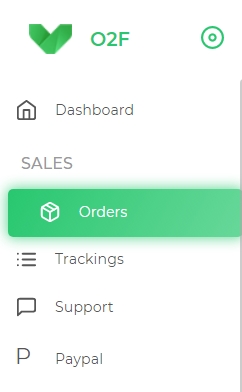
Dashboard > Orders:
Order Dashboard:
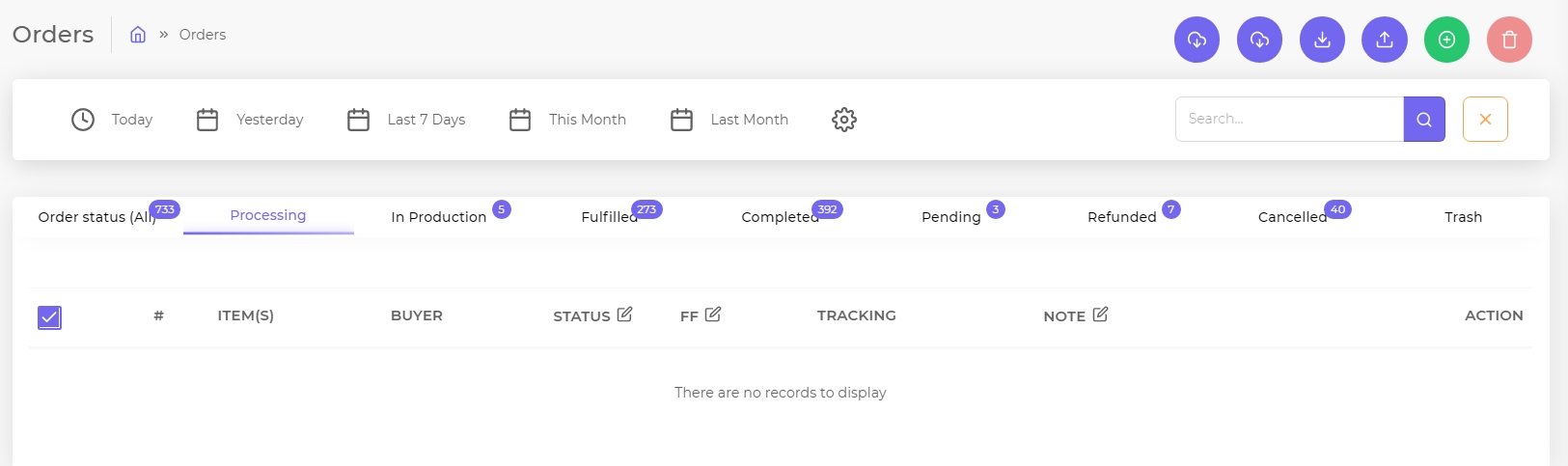
- Order Status
- Processing
- In production
- Fulfilled
- Completed
- Pending
- Refunded
- Canceled
- Trash
2. Manage Order Status:
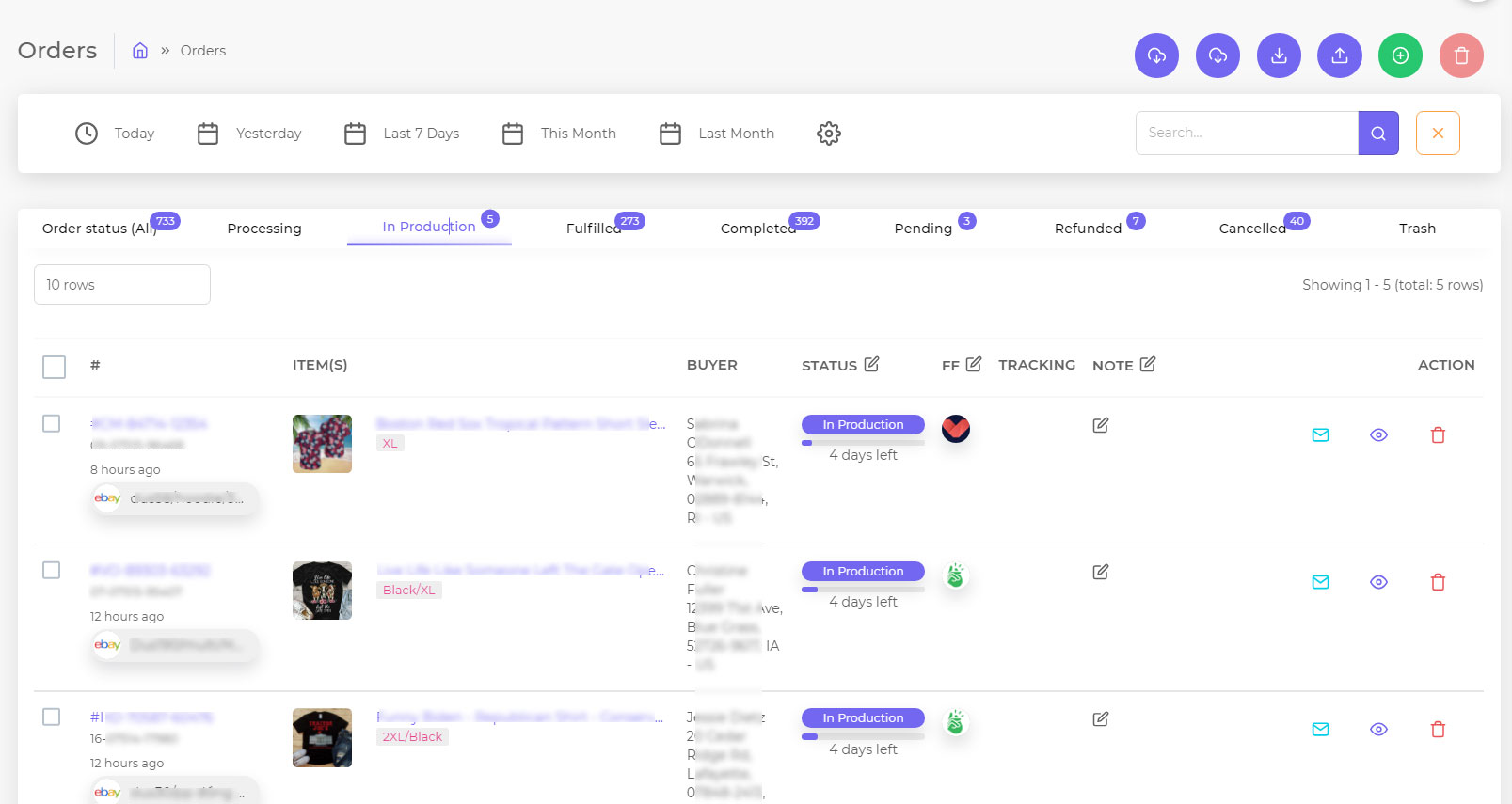
- Order ID: Number of Order
- Items: Product name
- Detail of buyer information: Name and address shipping
- Status: Status of the order
- Fulfilled: Fulfillment provider
- Tracking: Order tracking number
- Note: Special note
- Mail: Ask buyer question
- View: Quickview orders
- Trash: Remove order
3. Edit Order detail:
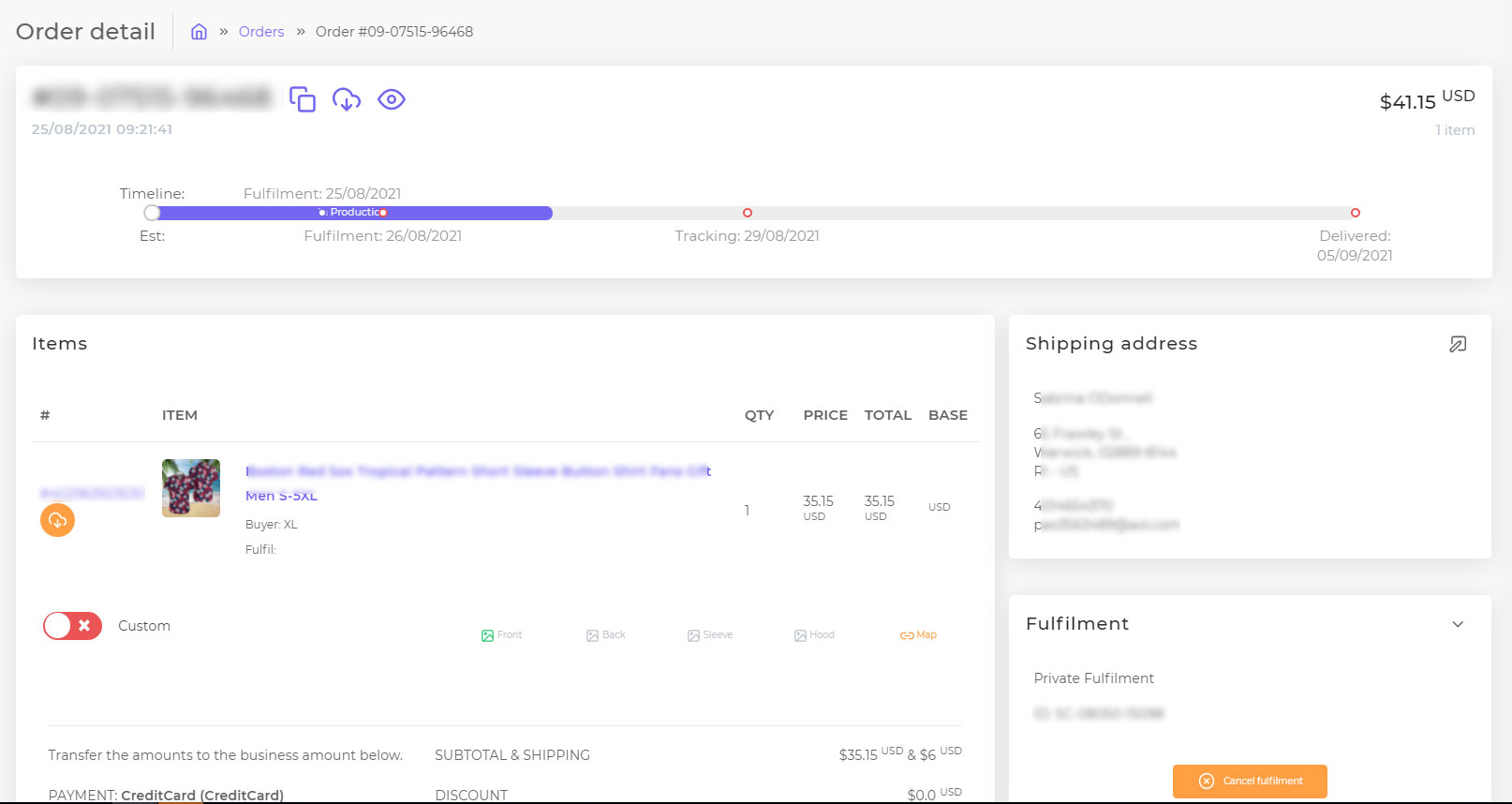
Order ID: Number of order
- Copy Order Number
- Sync Latest data from the platform
- Quickview
Timeline of orders
Item information:
- External product link:
- Image:
- Link live product on store
- Quantity
- Price
- Total
- Base
- Enable Custom
Upload design:
- Front
- Back
- Sleeve
- Hood
- Map with Fulfillment
Note:
Customer note
Shipping method
- Shipping Address
- Fulfillment Name
- Tracking
- Check
3. Import/export orders to CSV
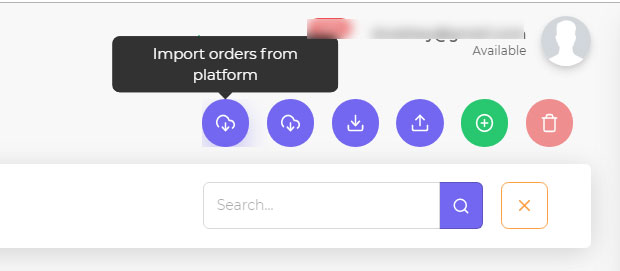
- Import Orders from the Podorder platform
- Export orders to CSV
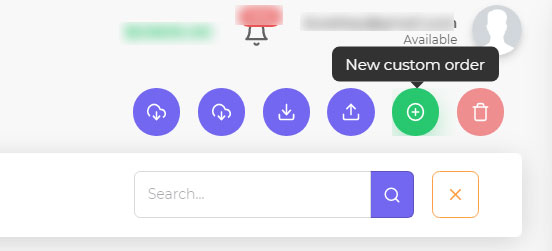
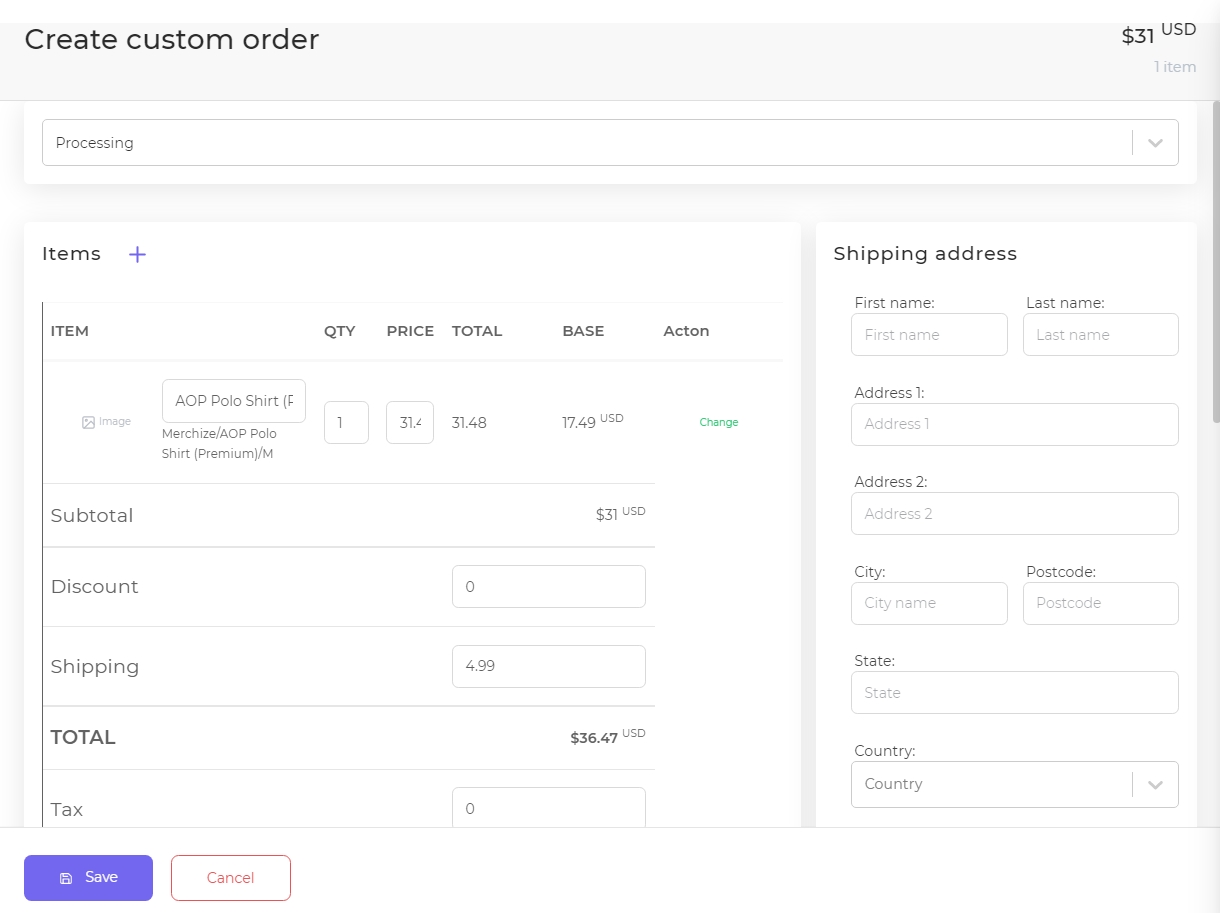
- Add a custom order
- Trash order
4. Add a custom order
Mapping Item with Print on demand fulfillment:
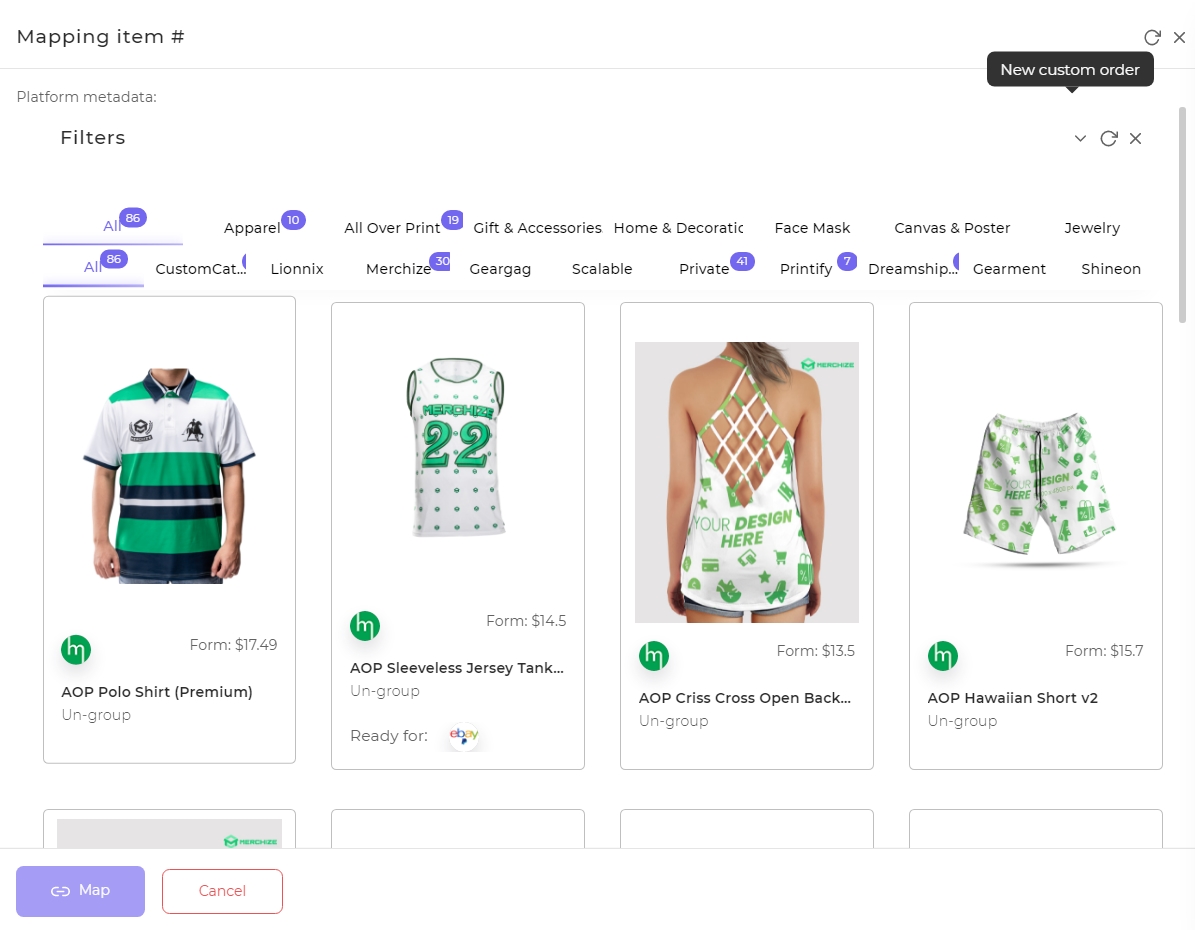
Choose product type and map:
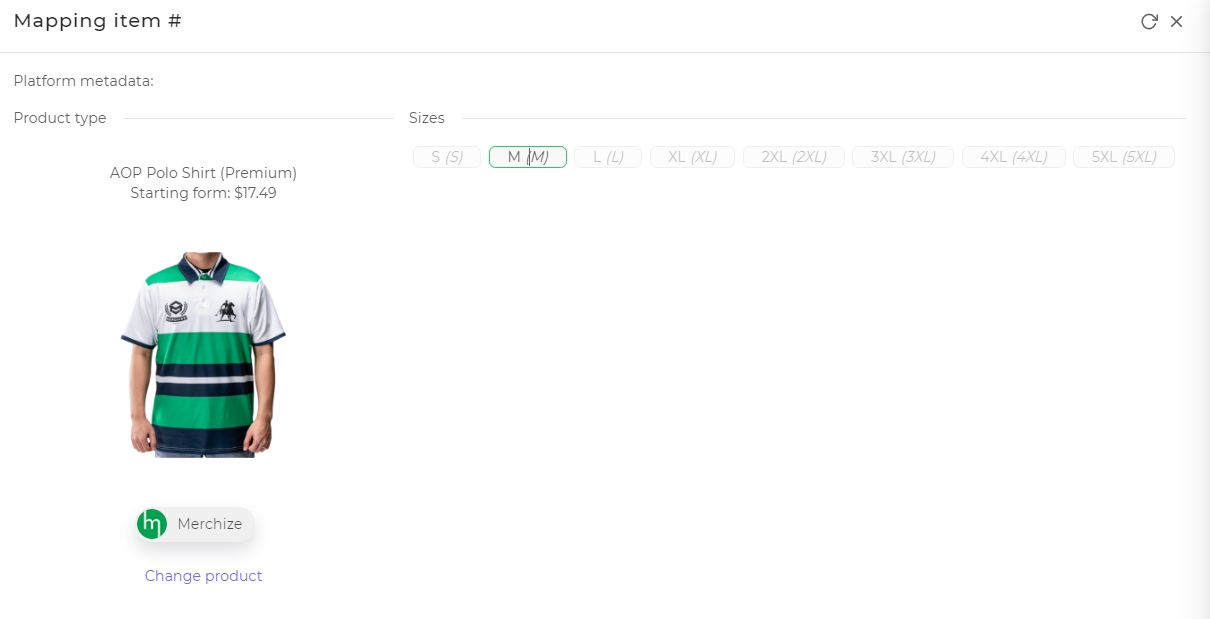
Add custom order information and save:
These are all steps to manage all print on demand orders on the Podorder system.