
This guides will show the detail steps to connect WooCommerce with Podorder. (in the series Sell Print on demand with WooCommerce)
Podorder – Print on demand software management comes with a lot of features that helps manage orders, products, fulfillments, supports hub and insight reports on multi selling channels such as eBay, Amazon, Shopify, WooCommerce, Merchize, Shopbase, …
See video:
Connect Podorder with WooCommerce:
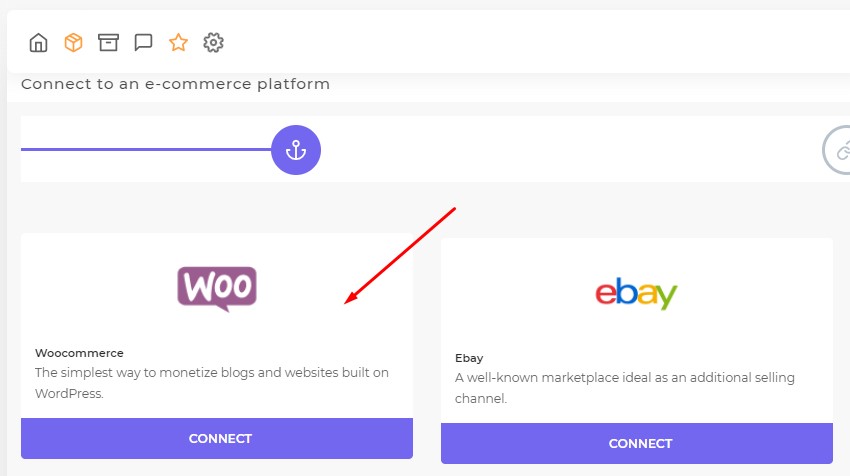
Dashboard > Stores > Add new store > Select WooCommerce and Connect
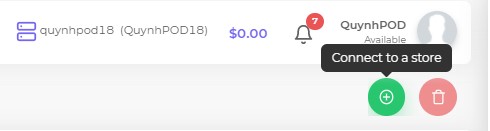
Connect to WooCommerce:
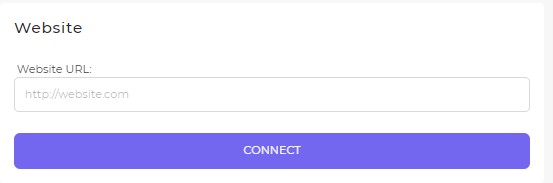
Insert URL:
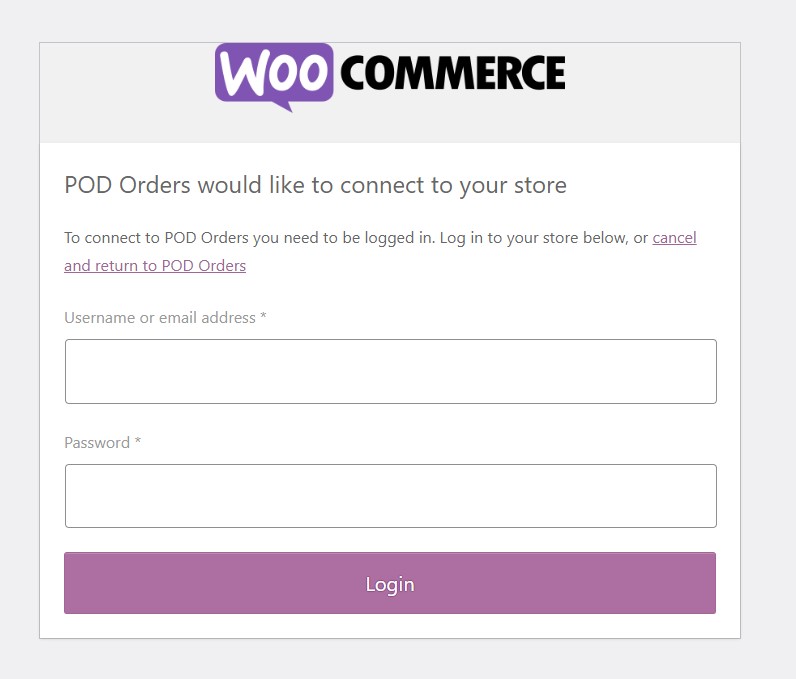
Login WooCommerce Admin:
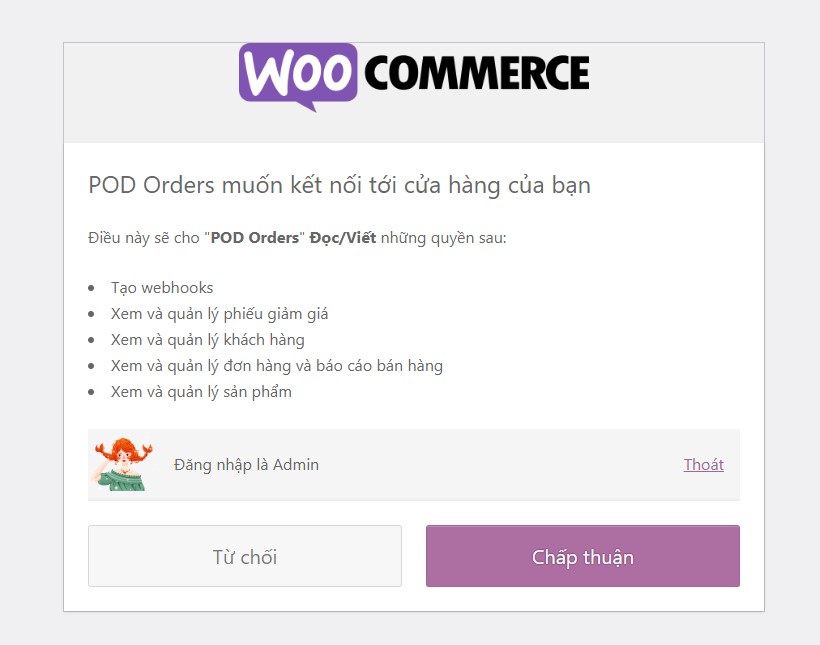
Allow Podorder get access to WooCommerce store, click: “Accept” – Chấp thuận
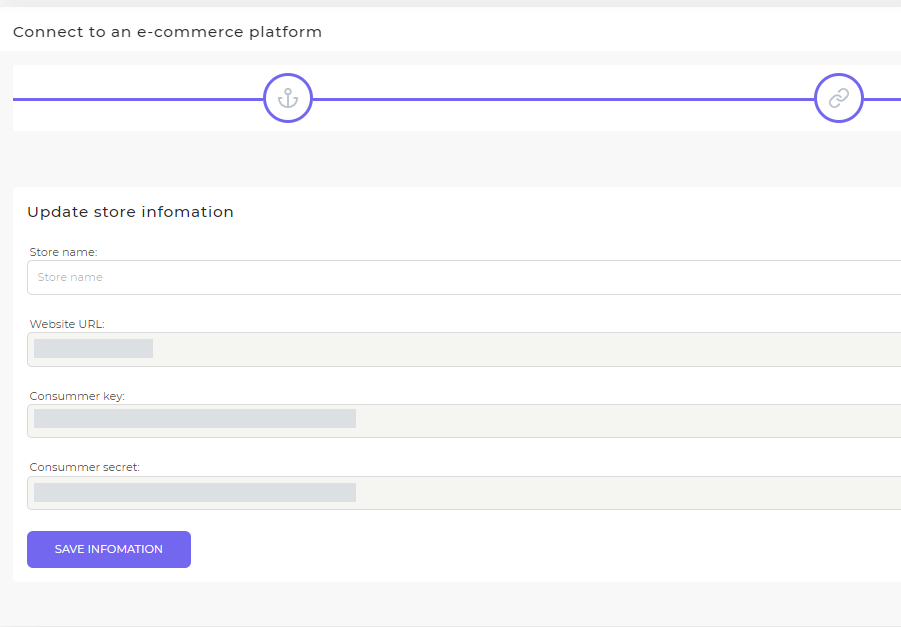
Update store information:
- Store name: Name WooCommerce store to manage on Podorder
- Store URL: WooCommerce store
- Consumer key:
- Consumer secret:
Edit WooCommerce store information:
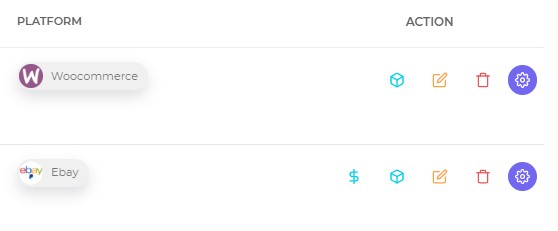
- Money Summary:
- Items live
- Edit
- Remove
- Setting
This is the end of guide “How to connect Podorder with WooCommerce store”
Hope that helps you well.